Fantasy Knight - Free Pixelart Animated Character
A downloadable asset pack
Fantasy Knight - Free Animated Pixelart Character
This character pack fits well together with packs from my Fantasy Platformer Bundle
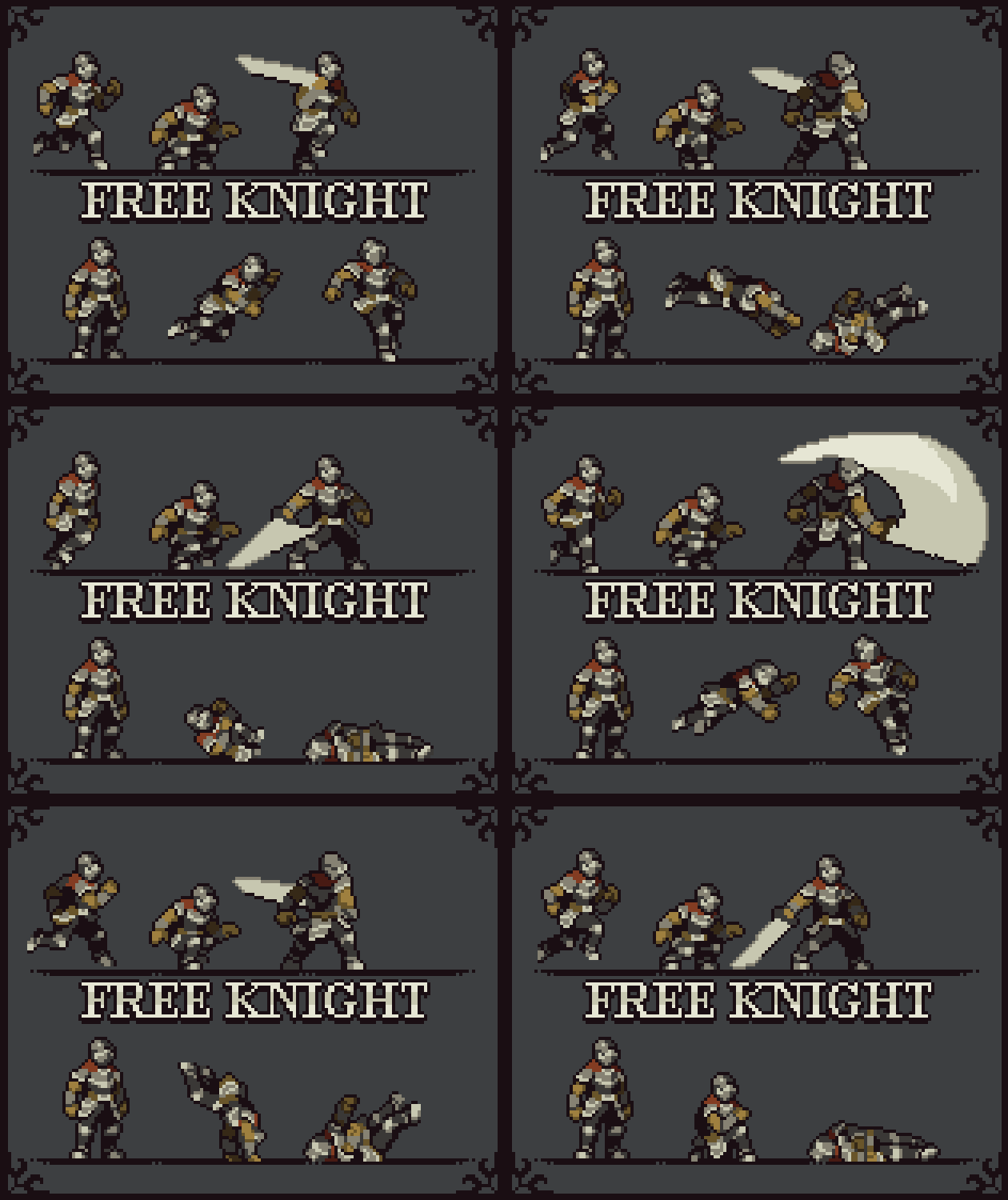
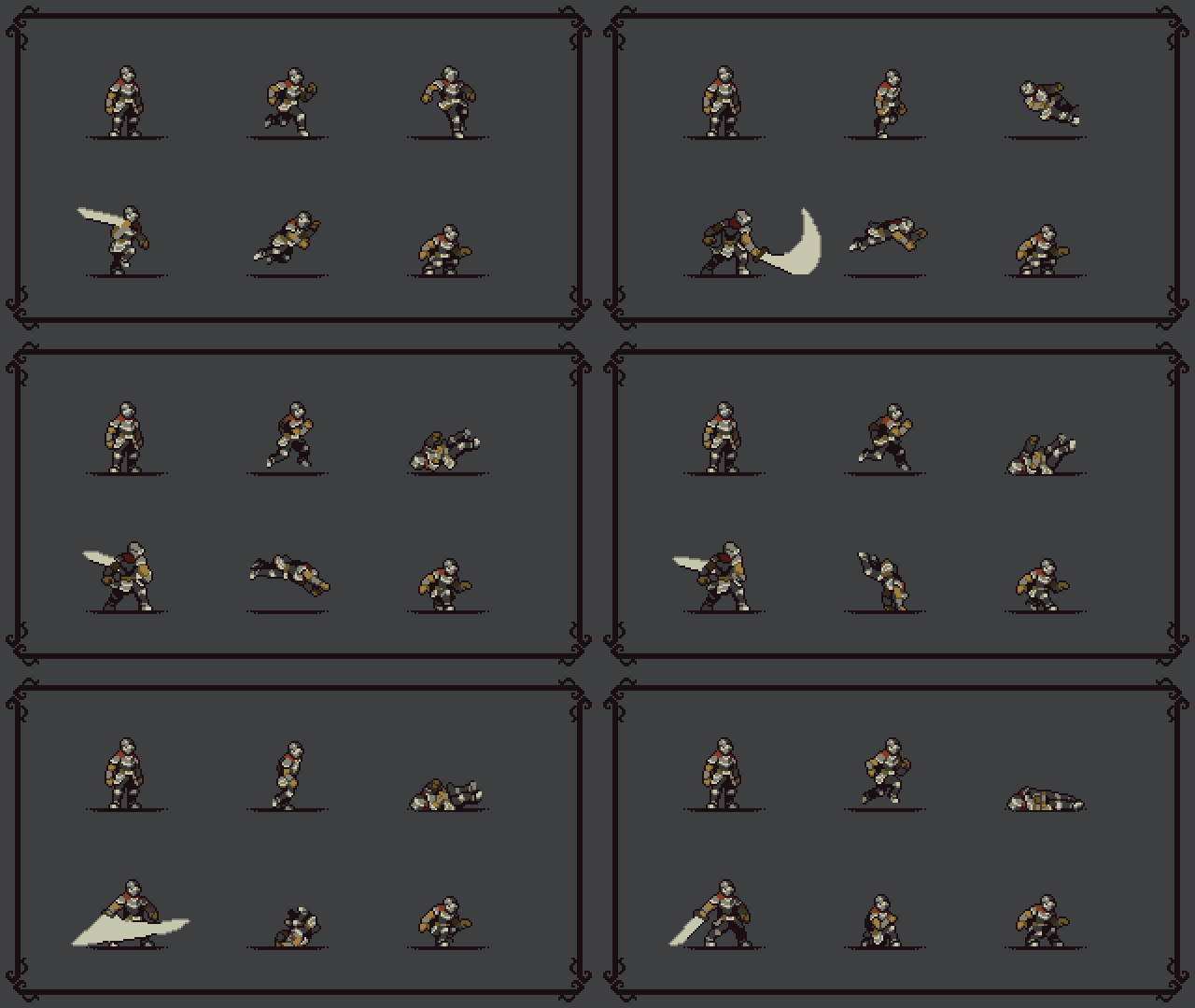
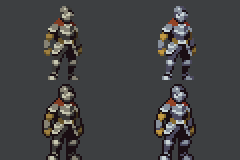
This is a Fantasy Knight character pack. With multiple animations that are necessary to make a game. The character is available in 2 colour styles - a darker and more muted colour version, and a more colourful lighter version. Both colour versions also come with outline or no outline so you can fit whatever works better for your game!
Full Details -
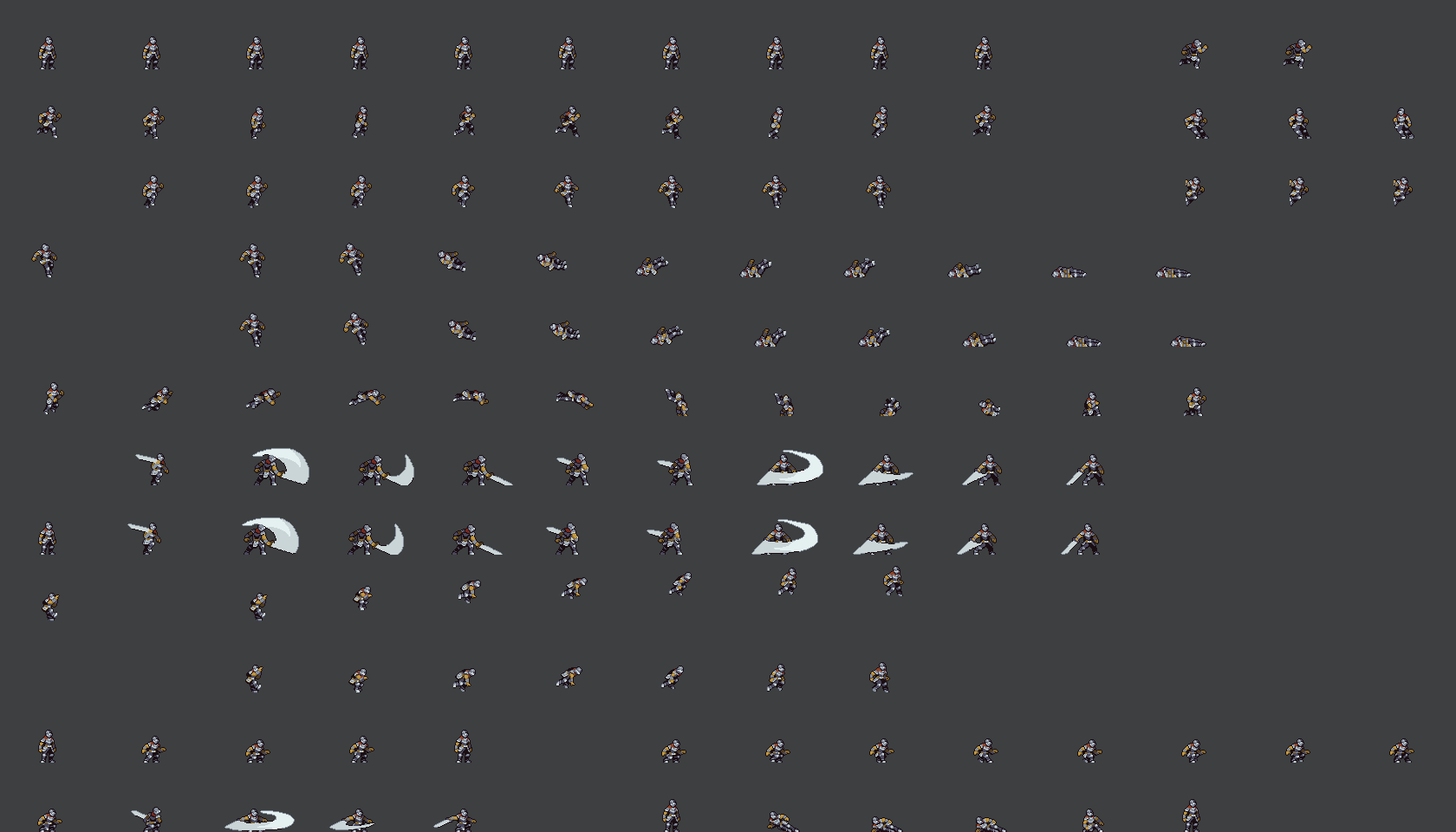
- Actual Character Size - Approximately 38x20 pixels. The Canvas is 80x120 due to some animations.
- 2 colour versions + outline or no outline.
- Idle (10 frames)
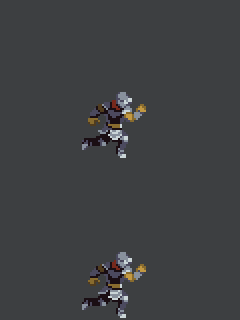
- Run (10 frames)
- Turn Around (3 frames)
- Crouch, with transition (1 frame + 1 transition frame from standing)
- Crouch walk (8 frames)
- Crouch Attack (4 frames)
- Slide, with transition (2 frames)
- Wall Hang (1 frames)
- Wall Climb (7 frames)
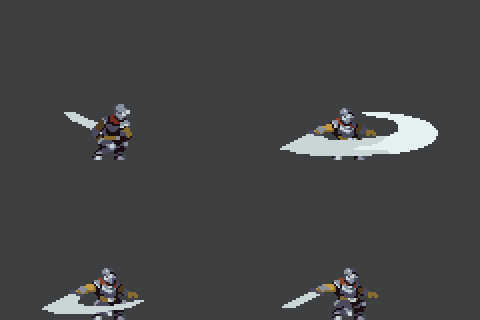
- Attack 1 (4 frames)
- Attack 2 (6 frames)
- Jump, with transition (3 frames+ 2 frame transition between fall)
- Fall, with transition (3 frames + 2 frame transition between jump)
- Hit (1 frames)
- Death (10 frames)
- Wall Slide (3 frames)
- Roll (12 frames)
- Dash (2 frames)
LICENCE: This asset pack can be used in both free and commercial projects. You can modify it to suit your own needs. Credit is not necessary, but highly appreciated. You may not redistribute or resell the assets on their own, that includes NFTs, just images, or asset compilations. The assets can't be used in AI creations.
Follow me on Twitter for updates on more Asset Packs - https://twitter.com/Namatnieks
And if you like the pack remember to Rate it! :)
Download
Click download now to get access to the following files:
Development log
- FREE PACK - Fantasy KnightOct 06, 2021

Comments
Log in with itch.io to leave a comment.
💕
really cool asset, but i have one issue: it doesn't have a ladder climbing sprites, which is kinda frustating cause this is one of the best assets there is :(
I really like the asset, everything, from animation to design. But there's a huge problem for me, like the other comments said, the animations aren't centered, this has a weird effect which makes the player completely get out of the collision box if the sprite animation is flipped, with this if the player sticks to the right wall and (with one way or another) flips the animation sprite, the player almost completely gets inside the wall and vanishes, not to mention the collisions not bring accurate. So is there a solution to that? i tried finding one but i couldn't, and im gonna keep trying for a bit cuz i might have a chance asking ChatGPT or other AIs. And thank you for the amazing asset
Well, you can just put the origin/center point a couple pixels to the left(about 4px as im seeing it).
Or take the whole sheet and move the character across all frames 4px to the right.
The thing is, i made this so long ago, i dont remember why i put it like that, but i think it was because the attack animation was too large for the canvas, so i moved the character a bit to the side. But it should be a really easy fix to just move the origin point a couple px to the left around which the sprite flips/rotates etc.
Ill take the time some day and redo the centering on the sprites just so its easier.
牛逼哥们,这套图是真的完整
this is pretty cool great job bro
This is a nice asset, can I use this in my game if its allowed?
Yes you can use it in your game
love it
Great work 🔥
太棒了
Thank you bro, sorry I didn't give you some money... because I don't have any money, all I can give you are words of encouragement
No worries about that :)
can you make wall jum
It has the wall slide sprites already, those in combination with a normal jump make the wall jump.
Hello! I made my first ever game using your character if you'd like to check it out ill leave the link here - https://uk-jackal.itch.io/wandering-knight Thank you very much.
I'm currently using this animation set in Godot 4, and the animations in action are pretty good, though the frames aren't aligned to their box in the sprite sheet
Think It's good for practicing making games in Godot?
hey! i really like this guy so wanted to leave a comment, using him as a placeholder, only thing ive notice which is pretty annoying is that some of the animations in their seperate pngs are NOT centered, I.E. the idle animation, using godot i set up the animation and when he turns around he shifts out of his collision box. this happens on various animations to various degrees which is very frustrating, adding code to flip the hitbox would add alot of bloat. as much as i like the guy, his animations are awesome, this makes him too inconsistent to test with. im sure if i were a more seasoned dev this wouldnt be an issue.
Hmm, that's strange, i kept the canvas size for the sprites big on purpose just so it's always centered an wouldn't have issues with flipping the character. Maybe I miscalculated something.
is it possible to use gamemaker engine
Yes, ofcourse
This is awesome gonna use this as a start for my movement controller! Will definitely check out your other stuff.
Thank you for the asset. I started using this character in my own game. I would be happy if you take a look at my game.
Oh yeah, your game is very nice. i like the ambient lights. i did just look at the screenshots
thanks buddy
You’re Welcome :)
Been using this to develop a character controller and its going really well. I did noticed though that if you remove the first cell from most of the animation chains (like run or idle crouch transition etc) that the animations play back smoother.
Is this by intention or am I using them wrong?
Oh if you mean from the transitions then yeah, you should best not use the ones where he's just standing up straight in a single frame beforehand and after, i only put them there so it's easier to see the animation in context. To be honest I think i might've forgotten to remove it from the frame sheet.
Ohhh ok cool, yeah I kept seeing a hitch and was trying to solve that and figured either my timing was wrong or you intended that.
nice, very cool implementation!
ill end up doing all his other cycles too here. It was a good base for some fun movement properties.
estou tentando colocar todas essas animações no meu jogo e programar tudo tambem, mas esta dificil. estou fazendo no construct 2. voce poderia me ajudar de alguma forma??
Sorry, i haven't used construct. But they should work like any other sprite based animation. You could probably find some tutorials on youtube.
Thanks for this great pack
赞
Hi, I'd be interested in paying for additional animations for 4 directional movement. a 4 directional walk and a 4 directional run - only need front and back for the run since side ones are already there. Would this be possible? for a hobby project of mine :)
Hey, unfortunately no, as I don't have the time for something like that right now, too busy with long-term freelance projects right now.
Please release more like this!
Thank you
impressive work!
You're a godsend
wow
Can anyone help, I don't know how to decrease the empty space in the sprites
cute souls like
love it
Please make more fantasy characters compatable with this!!!
Awesome pack thank you for sharing this I made a game using the knight asset although I didnt use all of the states only running, jumping and attack 1
https://indigotechtutorials.itch.io/spooky-moon-thriller-game
Can someone please help me understand how in the world i make this character into a sprite? i dont see any file named spritesheet to drag into CharacterBody2D and im so lost
if your using godot I would suggest using animated sprite 2D node with this pack
I made my first game with this character. Really cool character with a lot of animations, even though I just used a few of them
In case you wanna check it: https://goblinscorps.itch.io/cercius
this images are really blury, is there any way to fix this?
If you are using Godot, go to
Project>Project Settings, then navigate toRendering>Texturesand change theDefault Texture FilterfromLineartoNearest. That’s it!I figured it out, i'm using unity and I forgot to change the pixel per unit to 32. thanks anyway.
I'm having difficulties trying to separate the pngs into sprite frames since each frame is pretty far apart and it's causing centering issues. Any ideas or tips to get consistent sprite frame sizes?
The canvas size for each frame is 80x120(which means the whole sheet is on a 80x120px grid) as written in the asset pack description. It was kept larger, with padding on sides, to be kept consistent across all frames, so that you easily can separate it. The reason for making the canvas 80x120 is because the animations have varying sizes, as you can see the idle frames could fit in some much smaller canvas, because there is not much vertical or horizontal movement. But since the attack animation ends up taking up a very wide horizontal space as well as some other animations, I picked a canvas size that is large enough to fit every frame, as well as keep the character still in center so that it's easy to implement.
So essentially you just need to divide it up into 80x120px grid, and keep the origin centered then, the character will be perfectly centered and everything will fit.
I use chatgpt to remove sprites from sprite sheets!